
Handwriting Course Guide and Training Plan
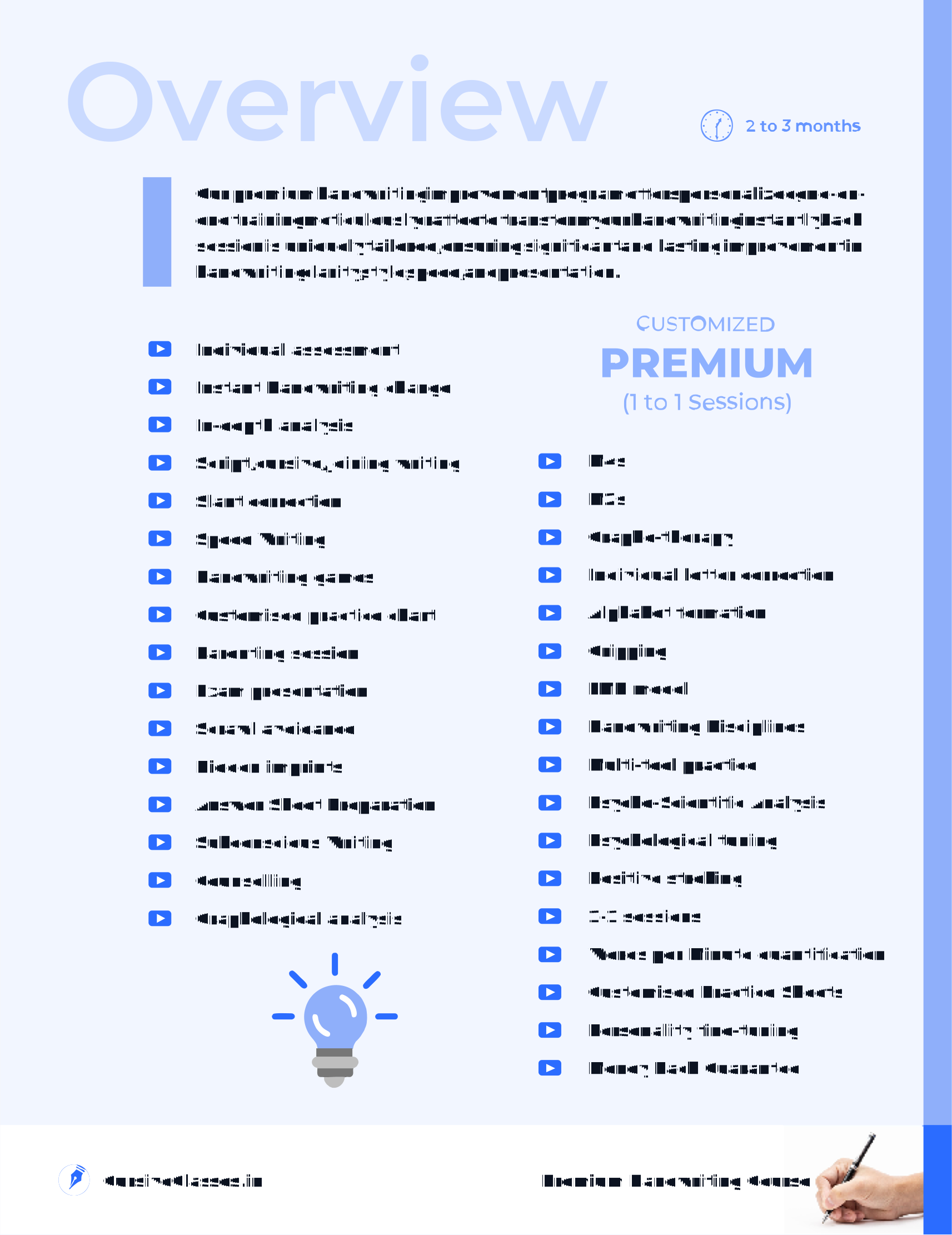
The course guide explains how handwriting training moves from demo and writing review into live online sessions, suitable correction methods and guided practice. It also covers session structure, typical duration, materials, learner-fit approval and post-course support.
- Demo and review before training
- 8 regular sessions per month
- About 45 minutes per session
- Usually completed within 3 months
- 3 months free post-course guidance
- Materials and guarantee explained
| Guide | : | Handwriting course and plan overview |
|---|---|---|
| Covers | : | Demo, review, sessions and support |
| Review | : | Current handwriting assessed first |
| Methods | : | Selected for the individual learner |
| Sessions | : | 8 sessions per month |
| Session | : | About 45 minutes each |
| Duration | : | Usually completed within about 3 months |
| Support | : | 3 months free guidance after course |
| Guarantee | : | After assessment and learner-fit approval |
| Materials | : | Books and handwriting practice toolkit |
What the Handwriting Training Plan Includes
The course guide connects writing review, live sessions, guided practice, materials, duration and support. The online handwriting course guide explains the review-first process, while handwriting course details online help learners understand practice, demo and support before joining.
- Training starts with a demo or writing review so the learner’s first correction priorities are understood before regular sessions and practice begin.
- Regular guidance can combine trainer correction, learner-matched exercises and handwriting materials, with the plan adjusted to the learner’s writing.
- The guide also explains the usual two-to-three-month course period, eight sessions per month and three months of free guidance after completion.
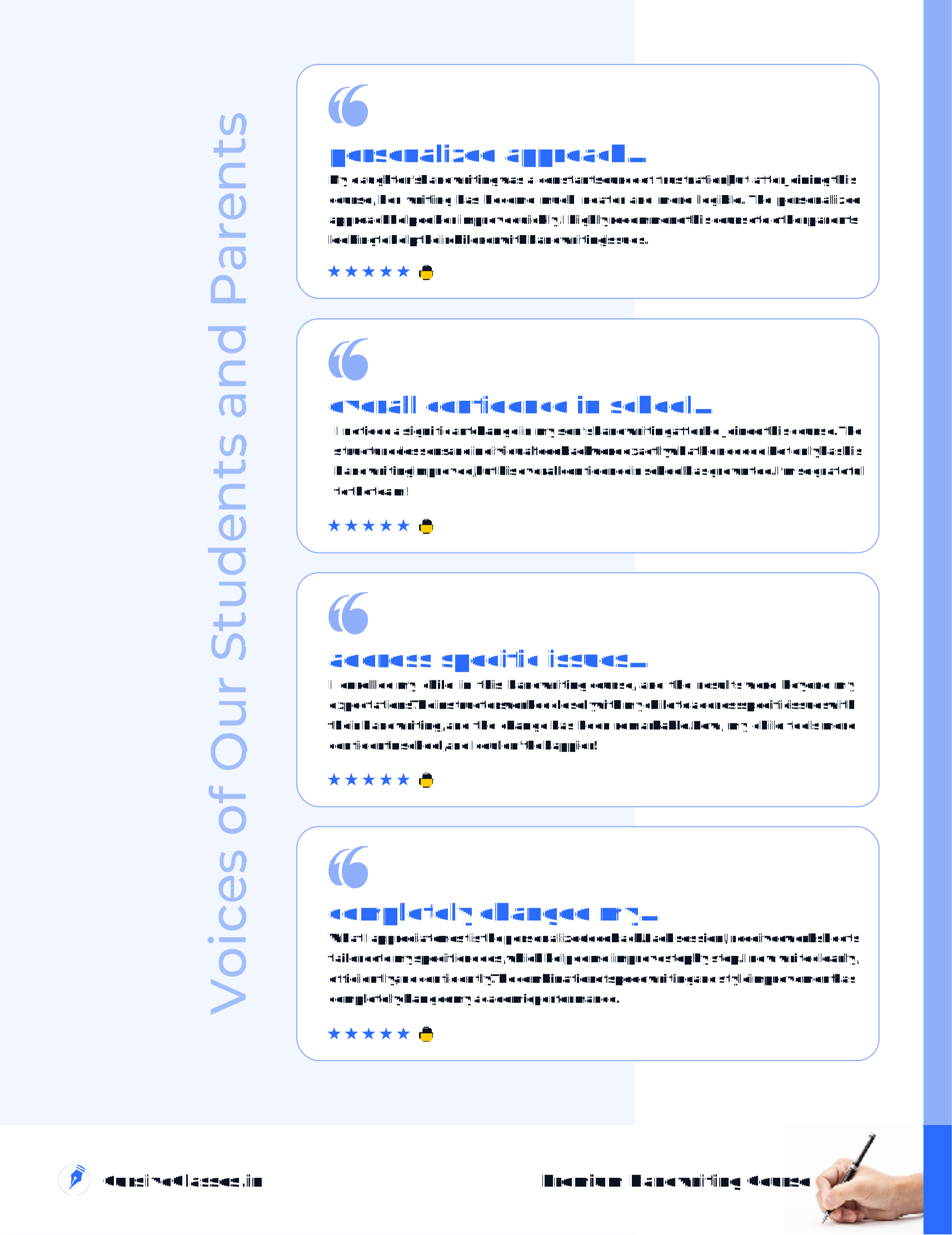
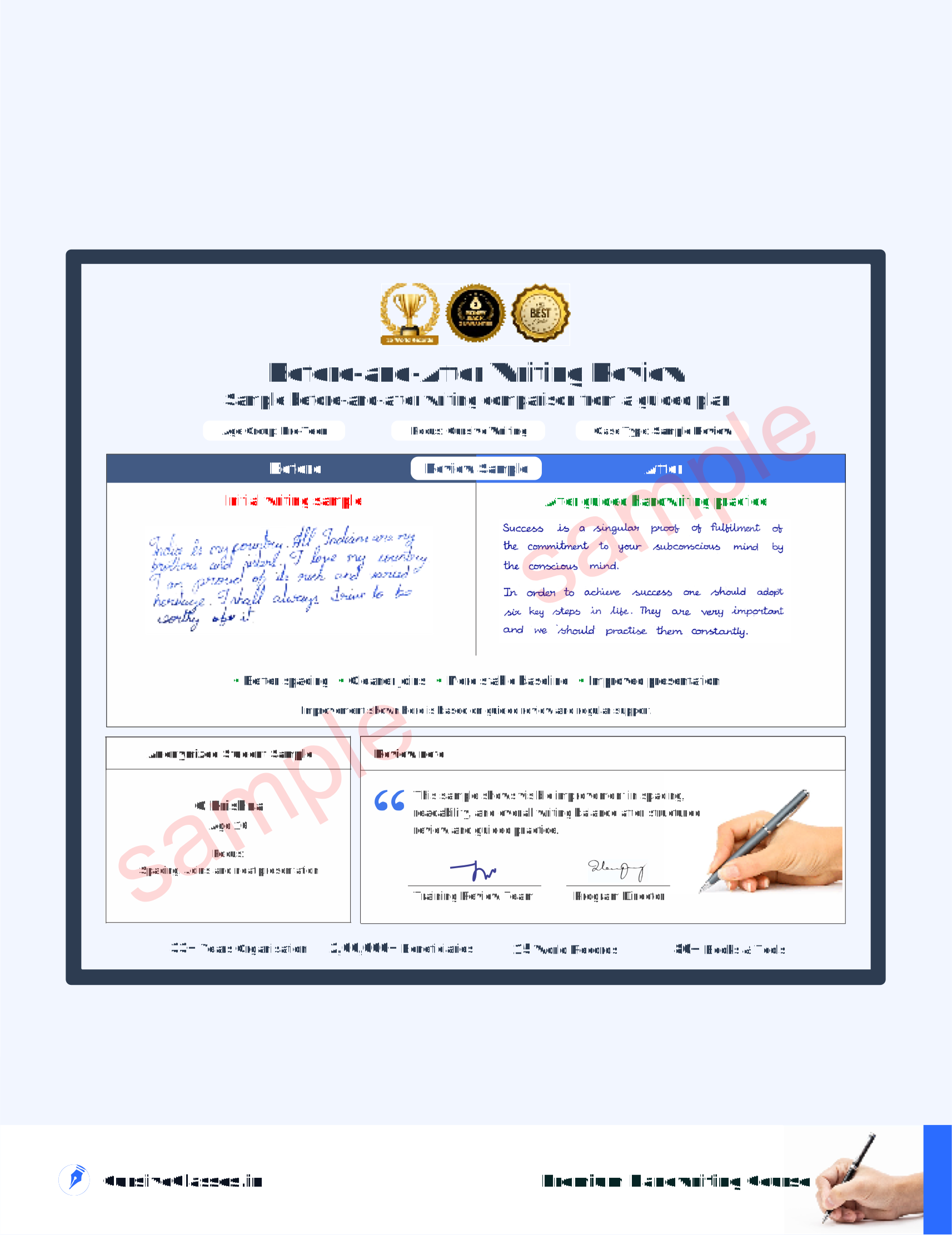
Preview the program cover, course overview, student and parent reviews, and a before-and-after writing sample from the training guide.

What the Handwriting Course Guide Helps Explain
The guide connects learner stages, program options, review steps and next actions so families can understand the training model.
Understand how support differs for kids, students, teens, college learners, and adults. The focus stays on course-guide decisions.
See focused options such as speed writing, premium 1-on-1, and early support. This keeps practice tied to course-guide decisions.
Learn how the review/demo, demo, worksheets, and follow-up usually work together. This fits course-guide decisions.
Compare when to use a guide, a sample review, a demo, or direct contact. This fits course-guide decisions.
How the Course Guide Helps Before You Enquire
The guide gives program context before booking, making it easier to compare support options and choose a sensible next step.
- Review the guide first to understand how assessment, correction priorities, live guidance, worksheets and follow-up fit together across the learning process.
- Compare learner-stage and focused support options in one place so the difference between class pages, program pages and review routes is easier to understand.
- Use that context to decide whether a free demo, writing-sample review or direct enquiry is the most useful next action for the learner’s current situation.
Support Paths in the Course Guide
Use the guide to compare learner stages, focused goals and support formats before choosing the next step.
Compare guidance for kids, students, teens, college learners and adults before opening a stage page.
Review support for readable speed, cursive flow and other focused handwriting priorities.
Compare group, private one-to-one and gentle-pace options when the support format also matters.
Use the handwriting-review page when a current sample can make the next support choice clearer.
Use the guide to compare learner needs, support formats and first actions before deciding whether a demo or sample review is next.
Start with the section that best matches the learner’s age, school stage or writing concern.
Review the program descriptions when the likely goal or preferred support format is already reasonably clear.
Decide whether a free demo, writing-sample review or direct contact gives the clearest next step for this learner.
Use the guide as a reference, then move into the chosen action with a clearer understanding of the process.
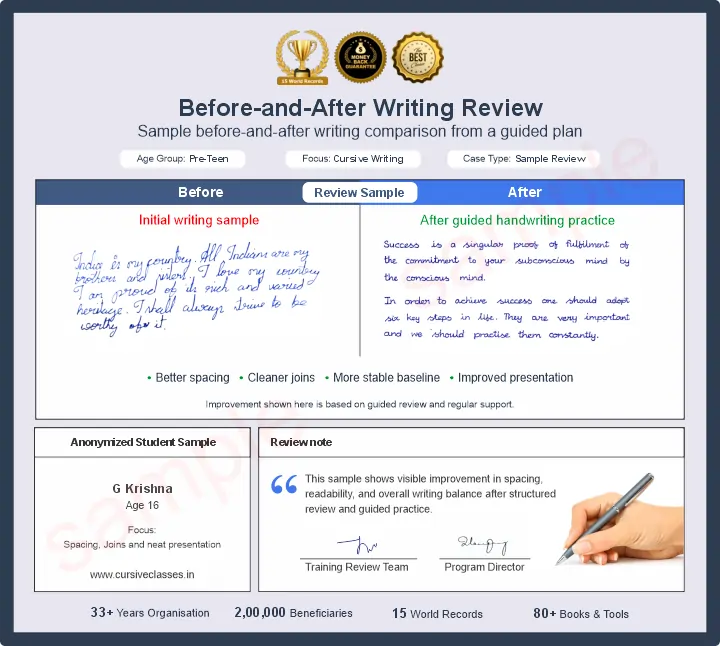
The guide uses this writing-sample preview to show how a real page can inform the first correction priority before regular support.
Quick guide
The course guide explains how writing review, cursive practice, worksheets and live guidance can work together before a learner chooses a support path.
The course guide helps families understand the review-first handwriting method, including when cursive is useful and when basic clarity or spacing should come first.
The guide can help compare sample review, worksheets, live guidance, progress expectations and learner-specific support paths before contacting the team.
Cursive is presented as useful only when it stays readable, well spaced and suitable for the learner’s goal rather than as a compulsory writing style.
Read the guide first, then send a writing sample or book a demo because the actual practice plan still needs to come from the learner’s present handwriting.
After reading the guide, choose either a writing-sample review or the free demo so the next recommendation is based on real handwriting evidence.
Is the course guide a fixed handwriting syllabus?
No. It explains the method and support flow, while the actual practice plan still depends on the learner’s current writing sample and review.
Does every learner need cursive handwriting?
No. Cursive is used only when it supports the learner’s readability, pace or presentation goal and is suitable for the current writing stage.
Can the guide be read before contacting the team?
Yes. It is intended to explain the handwriting support approach before a family chooses a writing-sample review or a live demo.
What is the next step after reading the guide?
Send a recent writing sample or book the free demo so the next recommendation is based on real handwriting rather than the guide alone.
How to Use the Course Guide
The course guide is a reference for the review-first process, practice materials and support flow; it should be read alongside the learner’s actual writing needs.
- If you are unsure what is wrong, begin with a writing-sample review.
- If you understand the problem but want to see the live teaching method, choose a demo.
- If several habits need ongoing correction, compare the regular support paths after the sample or demo confirms learner fit.
Course Guide Questions
These questions clarify the review-first course process, materials and live guidance before joining.
Is the PDF a replacement for the demo?
No. The PDF helps to explain the support model, while the demo helps review the learner’s present writing.
Who should read the PDF first?
It is useful for families who want more clarity before booking or joining.
Does the PDF explain the support flow?
Yes. It gives a compact overview of learner fit, practice flow, and next-step choices.
Can I still send a sample first?
Yes. The PDF and the sample review can be used together.
Does the PDF help compare programs?
Yes. It is designed to make learner-stage pages and program support options easier to compare.
What should I do after reading it?
The usual next move is to book a free demo, send a sample, or contact support with a more readable question.
Use these links to compare support, understand pricing direction, book a live introduction or ask for page-choice help.
- Compare the main support routes on the programs page before choosing a learner path.
- Review pricing after the guide when you want to understand how learner-based plan direction is explained.
- Book a demo session when you want to see the live correction method before regular guidance.
- Use the contact page if you still need help deciding which support page or first step is most relevant.
Read the course guide first, then use the free demo or writing review when you want a learner-specific starting direction.


